superclerk
 Money and customers
Put your super employee to work in QuickBooks
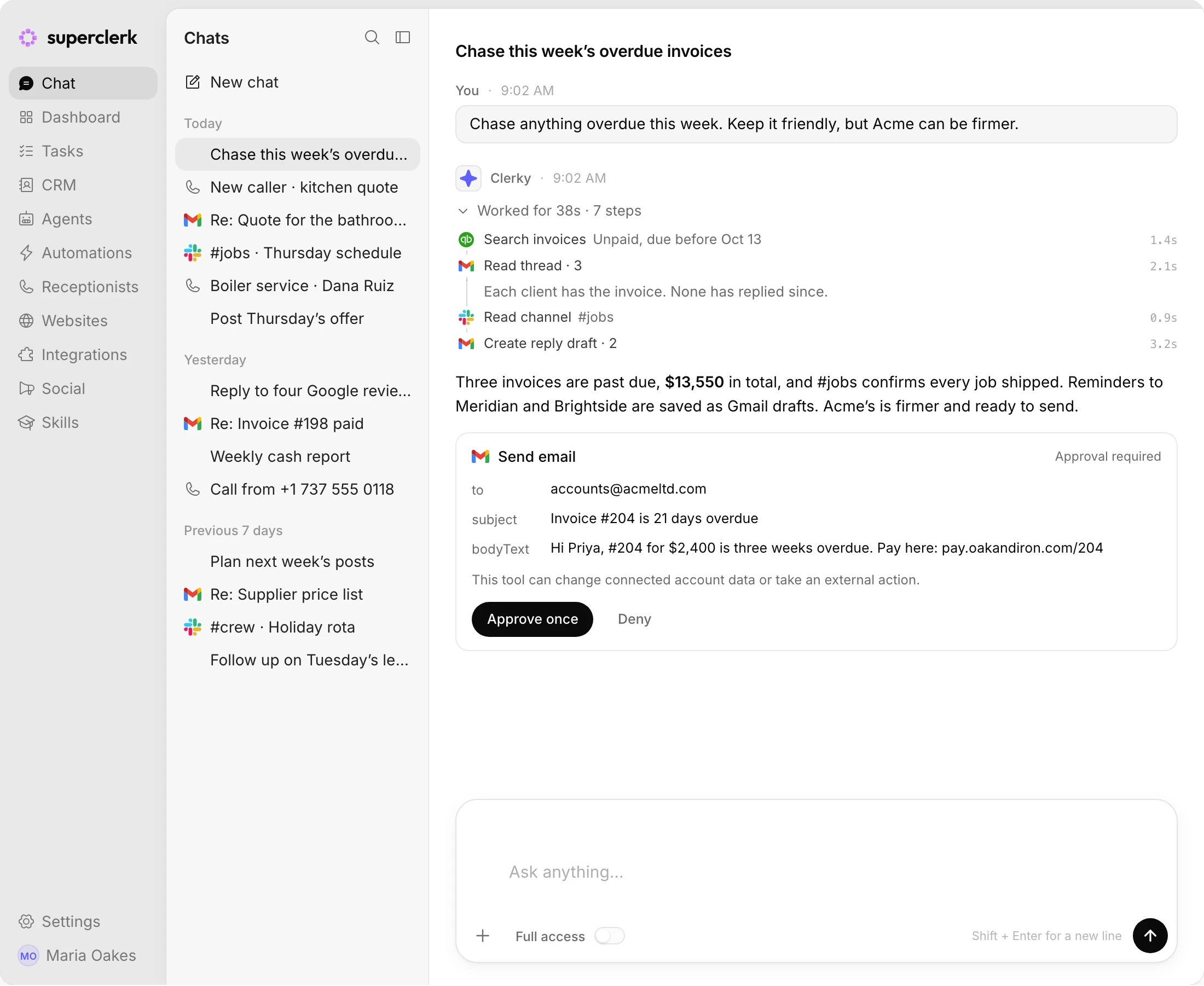
Reads invoices and customers and lines up the overdue invoices to chase.
What it can do in QuickBooks
Every tool your super employee can use there, straight from the product.
Changes it can make 8
It makes these when a job calls for them. You can set any of them to ask you first.
- Create QuickBooks Attachment Note Attach a note to a QuickBooks entity.
- Create QuickBooks Entity Create a supported QuickBooks accounting entity.
- Deactivate QuickBooks List Entity Soft-delete a QuickBooks list entity by setting Active=false with Id and SyncToken.
- Delete QuickBooks Transaction Hard-delete a QuickBooks transaction entity using Id and SyncToken.
- Run QuickBooks Batch Run up to 30 QuickBooks create, sparse update, delete, or void operations in one batch request.
- Sparse Update QuickBooks Entity Patch selected fields on a QuickBooks entity using Id, SyncToken, and sparse update semantics.
Show 2 more
- Upload QuickBooks Attachment Upload a file attachment and link it to a QuickBooks entity.
- Void QuickBooks Transaction Void a QuickBooks transaction entity using Id and SyncToken.
Looks up 18
It checks these whenever a job needs them.
- Download QuickBooks Attachment Save a QuickBooks file in the current conversation.
- Get QuickBooks AR Follow-Up Queue Find overdue open invoices that need accounts-receivable follow-up.
- Get QuickBooks Changed Entities Read QuickBooks CDC changes for selected accounting entities since an ISO timestamp.
- Get QuickBooks Company Read the connected QuickBooks company profile and preferences.
- Get QuickBooks Customer Context Read a customer plus open invoices and recent payments.
- Get QuickBooks Entity Read any supported QuickBooks accounting entity by id.
Show 12 more
- Get QuickBooks Invoice Chase Context Read one open invoice with customer and payment context for AR collection follow-up.
- Get QuickBooks Invoice Read one QuickBooks invoice by id.
- Get QuickBooks Transaction PDF Save a rendered QuickBooks transaction PDF in the current conversation.
- List QuickBooks Accounts List chart-of-accounts records in the connected QuickBooks company.
- List QuickBooks Entity Records List supported QuickBooks accounting entities with structured filters.
- List QuickBooks Items List product and service items in the connected QuickBooks company.
- List QuickBooks Payments List payments in the connected QuickBooks company.
- Run QuickBooks Report Run a read-only QuickBooks financial report with a bounded date range.
- Search QuickBooks Bills Search bills in the connected QuickBooks company.
- Search QuickBooks Customers Search customers in the connected QuickBooks company.
- Search QuickBooks Invoices Search invoices in the connected QuickBooks company.
- Search QuickBooks Vendors Search vendors in the connected QuickBooks company.
What gets it going
Work in QuickBooks can start on its own, not only when you ask.
Starts a workflow when 1
- Accounting Record Changed Run when selected QuickBooks accounting entities change.
Agents that work in QuickBooks
Ready-made agents already set up to work in QuickBooks.
Works well with
 Stripe Summarizes payments and payouts and sends invoices, and voids, refunds or cancels only with your OK.
 HubSpot Creates and updates contacts, companies and deals and moves deals through your pipeline.
 Shopify Answers order questions, prepares fulfillments and keeps products and tags up to date.
 Jobber Logs requests, drafts quotes and invoices, books visits and starts work when a quote is approved or a job closes.